Philosophy
Sigill makes a purely digital archive feel as careful and permanent as a physical one.
Sigill is Polmanarkivet's design language, built on restraint rather than decoration. Its purpose is to let the actual history on the page command attention, not the design itself. The palette is disciplined, the spacing repeats identically from page to page, and the motion is paced like something being handled with care. The same choices, repeated the same way on every page, are what make Polmanarkivet feel intentional.
Two rules sit above every choice described elsewhere in this guide. Both are non-negotiable and override any other preference when the two conflict.
- Authenticity. Everything shown, whether a painting, an engraving, or a photograph, is a real, attributable object from its own time. Sigill never uses AI-generated imagery to fill a gap. If the right image doesn't exist, the page changes; the standard doesn't.
- Accessibility. The system works for a reader who can't perceive a subtle colour shift or a faint hover state: real alt text, sufficient contrast, nothing conveyed by colour or motion alone.
Logo
One icon carries three family lines at once.
The icon is a modern design drawn from the family's heraldic history, not a copy of any single coat of arms. The original Westphalian Polman line's arms showed an armoured arm holding a ring. Later versions — after the family was ennobled in Sweden as Påhlman, and registered again in Estonia as von Pohlmann — show the same arm holding a cannonball instead. The icon combines both: a ring on one side, a cannonball on the other, a single symbol for three branches of one family.
Two forms exist: the combined logo (icon and wordmark together) and the icon alone. Use the combined form wherever Polmanarkivet might be unfamiliar to the reader, so the wordmark can do the work of explaining what the icon is. Once that context is already established — inside the site itself, across a sequence of pages, in ongoing correspondence — the icon can carry the identity on its own.

Logo Do’s and Dont’s
The logo holds its meaning through consistency. Below are some examples of incorrect use of our logos.
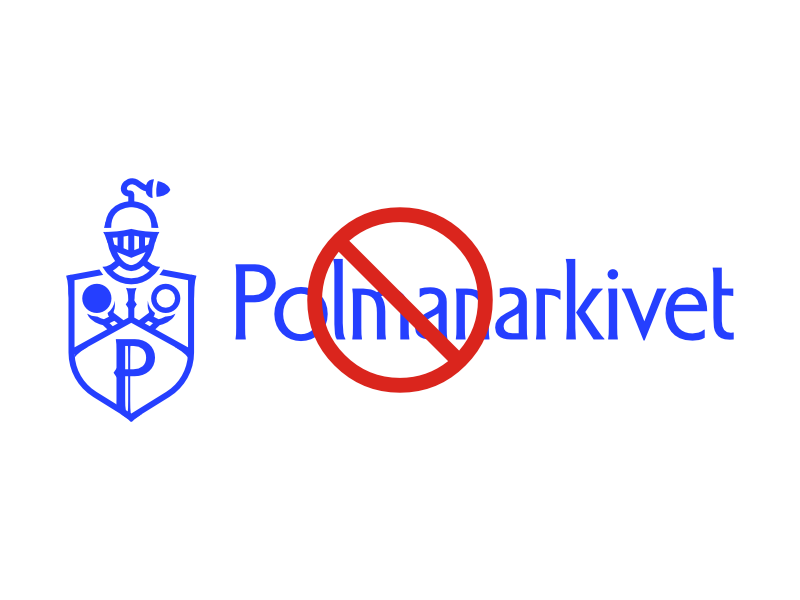
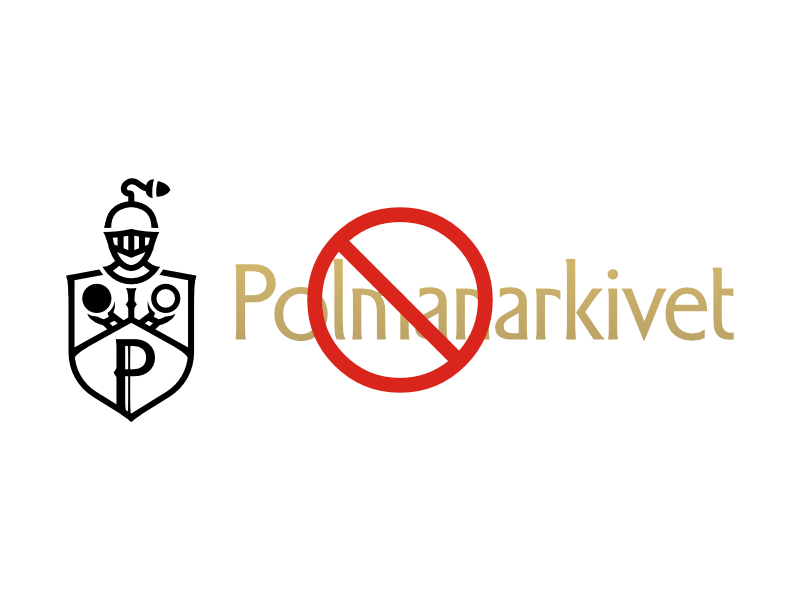
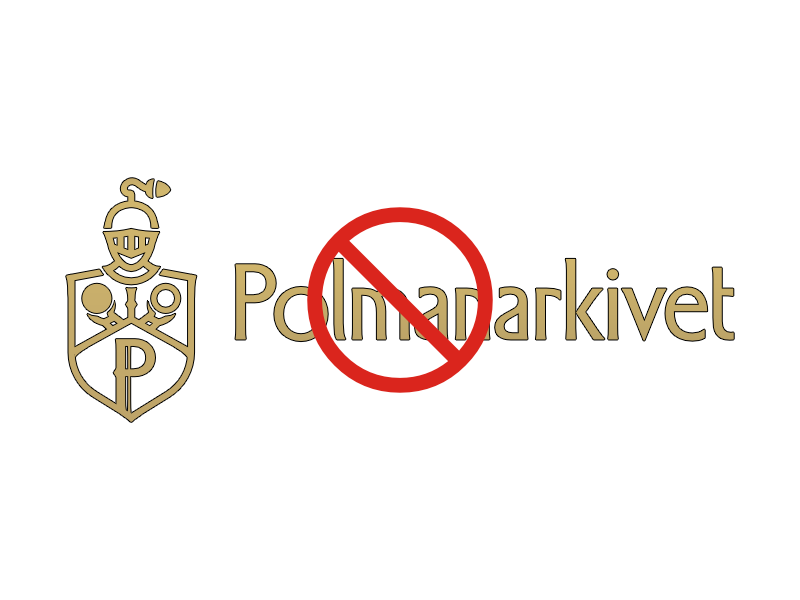
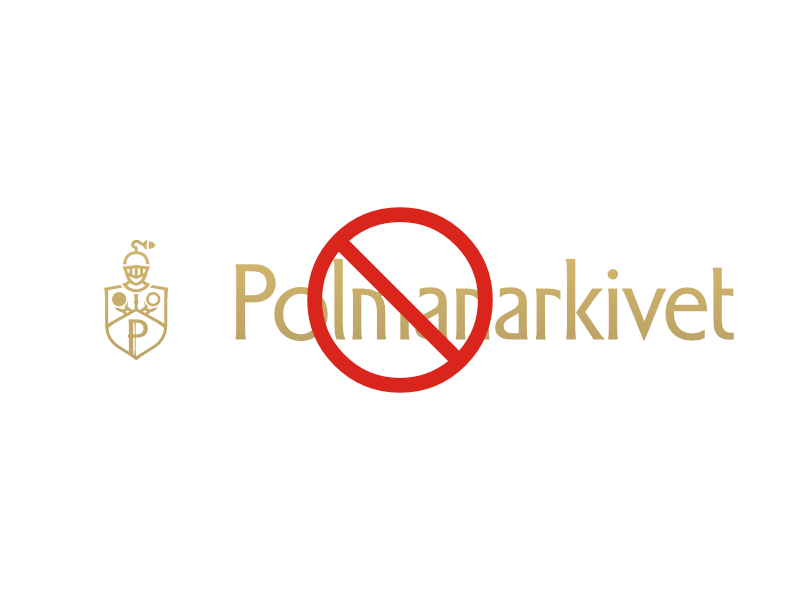
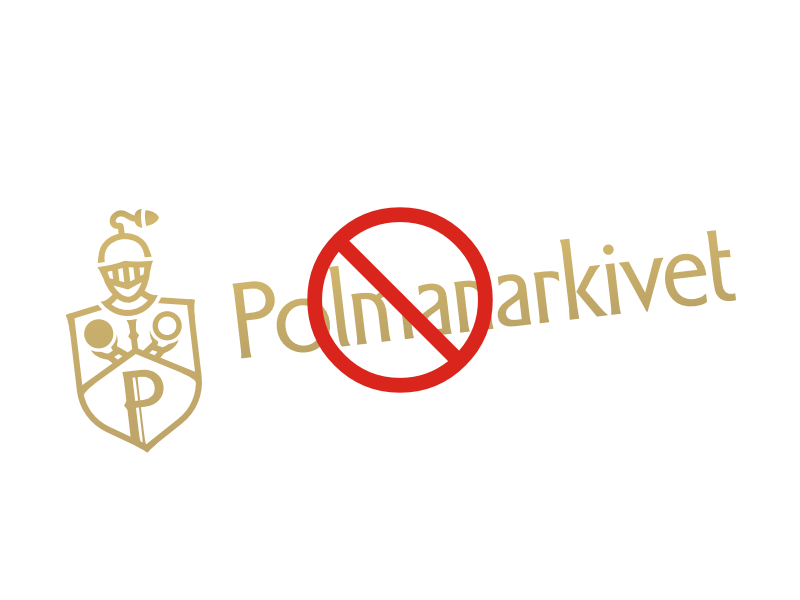
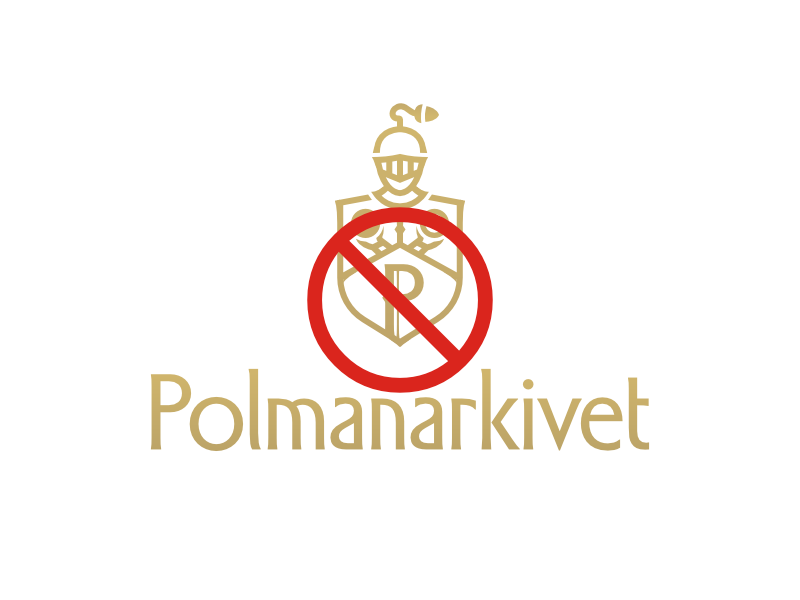
Examples of incorrect use of Polmanarkivet logo.
- Recolouring it outside the approved palette.
- Mixing colours within one lockup — icon and wordmark are always the same colour as each other in a single instance.
- Outlining it, which changes the mark's actual shape, not just its style.
- Distorting its proportions by stretching or squashing.
- Rotating it away from its one fixed orientation.
- Rebuilding the lockup — icon and wordmark keep their established relationship; restacking or rearranging them creates a lockup that doesn't exist.
One accessibility note: where the icon or wordmark renders in gold, it isn't held to the contrast rule that governs gold body text elsewhere on the site — the mark's shape carries its meaning regardless of colour, so no reader loses information if they can't perceive the gold specifically. The full reasoning is covered under Colours.
Download Logos
Full logo and icon files are available for download in Polmanarkivet's brand colours and in vector format.
Colours
Gold is the only colour that's allowed to stand out.
The palette itself stays narrow and quiet: warm neutral surfaces, ink-dark text, restrained on purpose so that gold — the one accent colour in the system — doesn't have to compete for attention on the rare page where it appears.
Guld
Guld stays rare enough to still mean something when it shows up. It appears as a mark rather than running text — the Fleuron, placed after an article's final paragraph, and the Scholarly Divider, whose heading turns gold on hover and whose expanded content carries a gold border. It appears as text in only two cases: a drop cap, at a large decorative scale, and the rare label whose entire job is to stand apart from the text around it.
Our Palettes
Scriptorium - Light
Scriptorium takes its name from the historical term for a monastery's writing room. It's the daylight palette — warm neutral surfaces, dark ink-toned text.
Noctuary - Dark
Noctuary is a real, if rare, English word for a night's counterpart to a diary — a record of what passes after dark. It's the after-hours palette, cooler rather than warmer, so gold stays the only warm note on the page.
Voice
The record speaks first and everything else follows.
Voice starts with what the sources actually say, including court records, letters, and estate inventories. Polmanarkivet's Legacy in Letters project works directly from correspondence, including letters to and from Catherine II and Gustav II Adolf, transcribed and translated from the originals. A primary source is quoted directly and named precisely, and it establishes the scene before any interpretation of it does.
Quoted material is set in italic throughout — in blockquotes and in the Scholarly Aside — reserved specifically for a source's own words. A curator's own description, such as the caption under a Museum Plaque, stays upright, so a reader can always tell which voice they're in.
That research is what lets a reader slow down. For example, The One Where Jöran Polman Ripped Off a Beard works through the actual 1605 and 1623 decrees governing Stockholm's taverns, period scholarship on drinking culture and masculinity, and named, dated images of the taverns themselves, alongside the 1618 court record at its centre. A reader is placed inside the room the event happened in.
Unfamiliar terms get the same care, handled in the margin. A word like tänkeböcker gets a quiet note the first time it appears — the reader stays inside the narrative, and the definition is there if they go looking for it.
Typography
The same foundry shaped both the logo and the typeface chosen for accessibility.
Our typographic system establishes the scholarly character of Polmanarkivet while keeping every page legible and structured. Each typeface has one fixed role, never a second.
Our Typefaces
Headings: Adelia
Adelia comes from Letters from Sweden, the same foundry behind Polmanarkivet's logo. It's reserved for the single title a given page is actually about: an article's own headline, a Lexicon entry's name, the homepage hero. It never appears on a card, in a list, or anywhere a title repeats.
Body & UI: Atkinson Hyperlegible Next
Atkinson Hyperlegible Next carries body text, navigation, buttons, captions, and every heading except the one thing a page is about. It was developed by the Braille Institute for readers with low vision, in collaboration with Letters from Sweden — the same foundry behind Adelia and the logo.
Metadata: Atkinson Hyperlegible Mono
Mono appears in exactly one place: the field/value metadata on a collection item, the one part of the site formatted like an actual catalogue card.
Typographic Scale & Usage
Our typographic scale provides a clear hierarchy and visual rhythm for all content. Below are the specific guidelines for usage, followed by examples.
Headings
All headings are set in sentence case, never all-caps. Every heading runs at a 1.1 line-height with the system's default letter-spacing; none use the wider tracking reserved for uppercase labels and tags. The homepage hero title is the one exception, running tighter on both. Heading sizes step down on smaller screens; body text does not.
Example
Heading 1
Heading 2
Heading 3
Heading 4
Heading 5
Heading 6
Body Text
Body copy runs at a 1.6 line-height and doesn't shrink on smaller screens.
Example
The Polman, Påhlman, von Pohlmann family can be traced to the Late Middle Ages. It is said that the family came from the parish of Hille, Westphalia, where there was a noble family Polman, whose coat of arms depicted an arm holding a ring.
Spacing & Rhythm
Space directs the reader's attention, one element at a time.
Sigill uses space as a curatorial gesture: on structural pages, generous space isolates each element before releasing the reader to the next. The homepage presents one thing, then another, with room between them to breathe.
This applies both vertically, in the space between sections, and horizontally, in the margins and padding that give individual components room to sit without crowding.
The spacing scale is deliberate. Consistent values recur throughout the system: 1.5rem, 2rem, 3rem, 4rem, 6rem, creating a rhythm the eye recognises even without being able to name it. Mathematical consistency is the starting point: where a value feels visually off despite being technically correct, the visual judgement wins.
Spacing in Long-Form Articles
Dense, scholarly articles follow a different logic. Literal white space between paragraphs reads as an ending, not a pause, so breathing room comes from editorial elements instead — images, pull quotes, gallery breaks, curator's notes, chapter dividers.
Core Elements
The smallest units in the system — each one following a rule, not a single fixed value.
Border Radius
Corner radius runs on four tiers, not one fixed value: sharp for a full feature image or a fixed panel like the paywall; near-sharp for a record's own frame; moderate for browsing cards; a full pill for anything interactive, like buttons and chips. A circular crop is used separately, for a small number of deliberate portrait crops. Sharp corners read as structure — a boundary around a discrete, catalogued thing. Rounder ones draw the eye in and read as more approachable.
Example
0
var(--size-4)
var(--size-16)
var(--size-99)
var(--size-50)
Buttons
There are four button types, each with a specific job: Primary for the main action on a normal page; the same role outlined in gold for panels that stay dark regardless of the site's light or dark mode; Secondary, outlined and neutral, which only ever appears paired with a Primary button; and Text or Link, for a single inline action. Every type turns gold on hover.
Example
Archival Tags
Inline code formatting is restyled to resemble a physical archive label: a muted background, a fine border, compact sizing. It marks a term, a status, or a classification within body text without interrupting the sentence around it.
Example
Archival Tag Status: To Read
The Fleuron
Every article ends with a small gold mark, set after the final paragraph — a masked reproduction of the same "P" used in the Polmanarkivet logo, since both come from the same typeface. It does nothing navigational; it signals that the piece is finished, the way a printer's colophon once did. A small number of articles suppress it where the ending calls for something else.
The Scholarly Divider
A toggle element, restyled as a plain structural divider: a single top border, no background, no shadow, no rounded corners. The heading's icon rotates open, and the heading itself turns gold on hover. Once expanded, the revealed content sits behind a gold border on its left edge.
Example
Example of Scholarly Divider
This is the collapsible content
Editorial Components
Seven components, each built for one specific editorial job.
Drop Caps
Long-form articles tagged for a drop cap open with a single large gold letter, set in Adelia, marking the start of a major piece — used at most once per article.
Example
This is an example of a drop cap, creating a beautiful and classic opening for a long-form article. It invites the reader to settle in for a substantial story, adding a touch of literary and scholarly tradition to the page.
The Museum Plaque
Image captions are styled as museum labels: a fine gold line runs along the top, separating the caption from the image above it. The caption text is upright, smaller than body copy, and set in a muted colour.
Example
The Scholarly Aside
Standard blockquotes are reserved for primary sources — court records, letters, official documents — set in italic, matching body text in size, with a gold border on the left.
Example
This is a standard blockquote, designed for citing sources with scholarly clarity.
The Editorial Statement
Pull quotes are reserved for a line that deserves to stand alone. They're set in Atkinson Hyperlegible Next, since a pull quote can appear more than once within an article. Large, bold, centred, with no border or background: the type itself carries the weight.
Example
This is our "Editorial Statement" pull quote, designed for maximum typographic impact.
Curator's Notes
Callout blocks are restyled as Curator's Notes — asides in the archive's own voice. The background colour was measured directly from a real family document, a flat-toned fold panel in the collection. Ghost's native emoji icon is kept where an author adds one.
Example
The Gallery Wall
Images inside an article carry a layered drop shadow that lifts them from the page. On hover, a subtle contrast and brightness shift confirms the image responds to attention. Every image in a gallery grid gets the same treatment.
Example
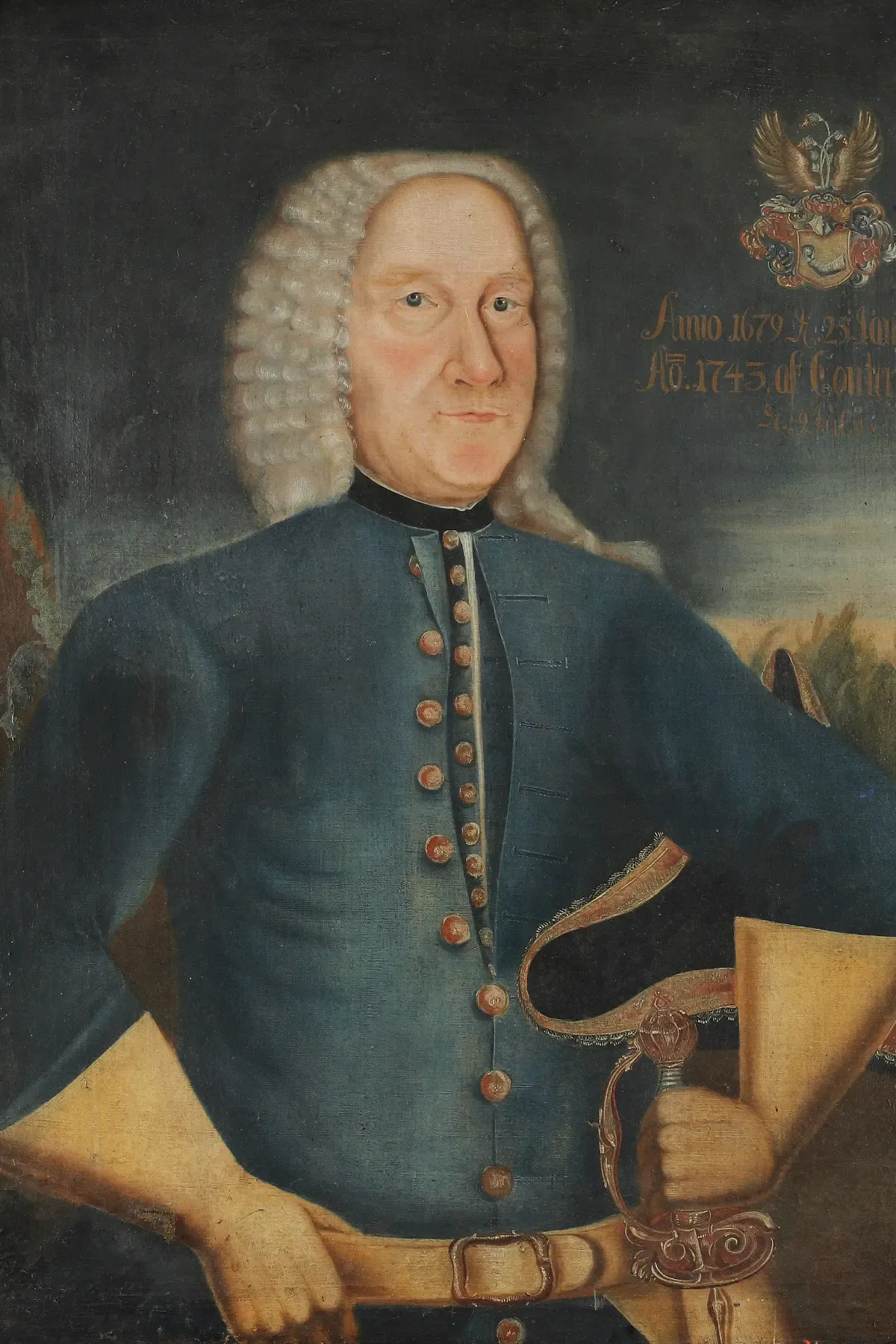
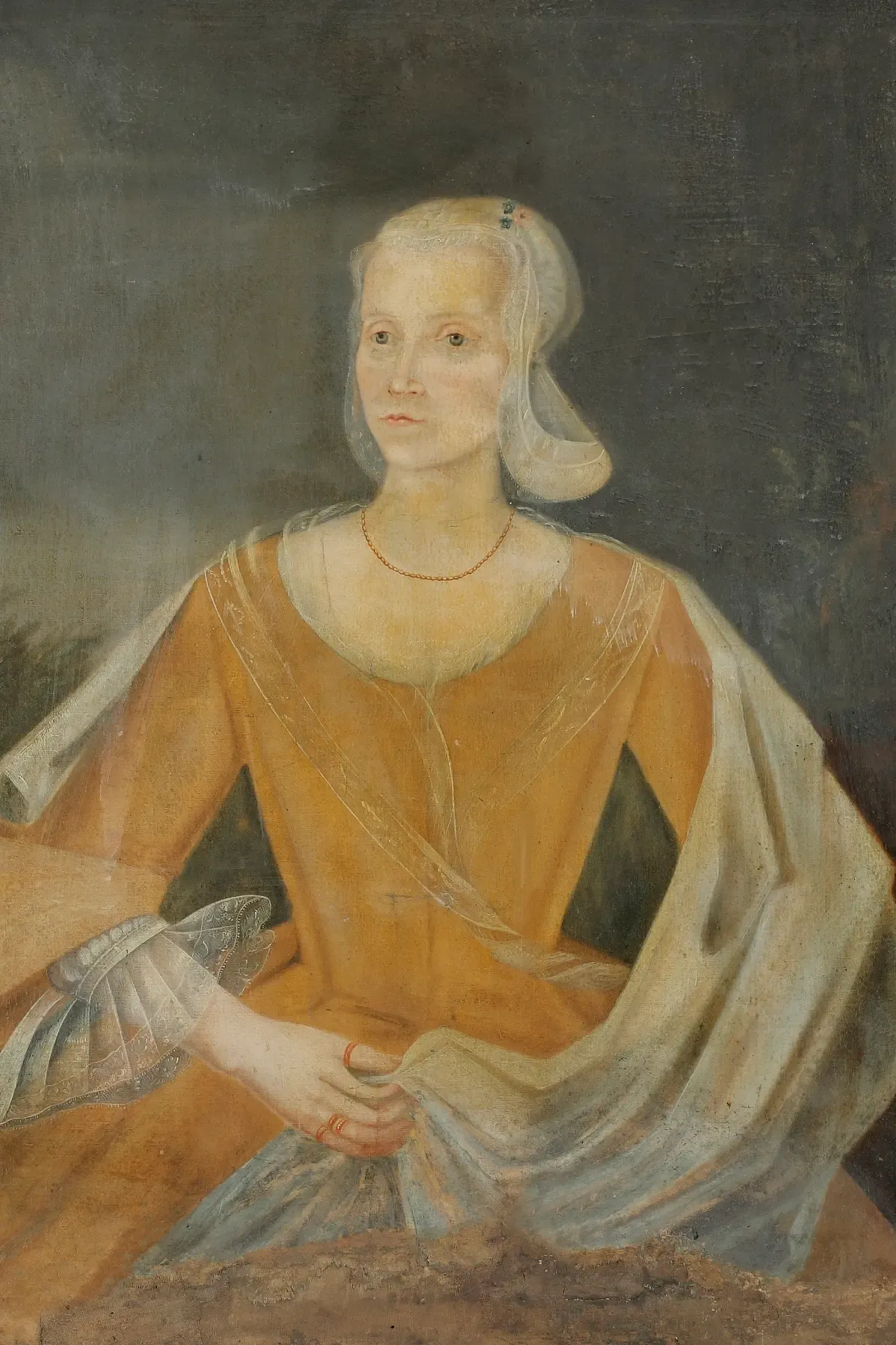
Fig. 9 - Carl Gustaf Påhlman (1679–1757), 1743, oil on canvas. Image by Kulturparken Småland (CC BY 4.0). Fig. 10 - Christina Elisabet Renner (1712–1769), 1743, oil on canvas. Image by Kulturparken Småland (CC BY 4.0).
Marginalia
On wide viewports, supplementary notes float into the right margin beside the body text, bordered on the left by a fine gold line. On narrower screens, they shift into the flow of the text itself, keeping the same gold border.
Photography
The image should feel like it belongs to the same world as the source material.
Every image is a primary or near-primary visual record — something that extends the archive, not an illustration. A painting, an engraving, a map, a photograph: each has to earn its place on the page.
Sourcing
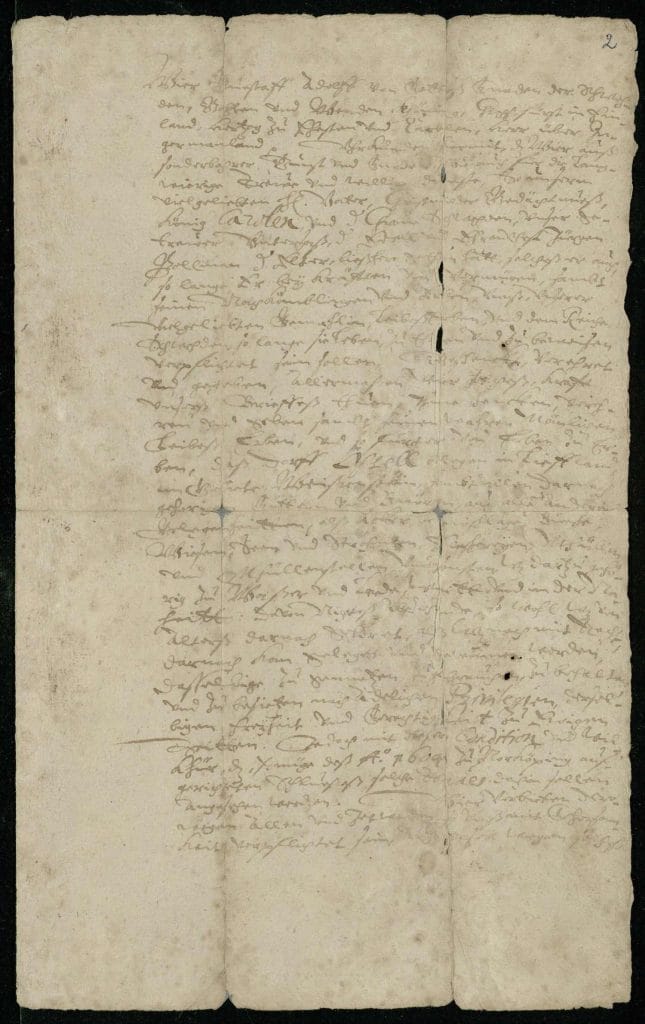
Images come from institutional collections: national archives, state museums, university libraries, public heritage databases. Each is cited with creator, date, medium, holding institution, and rights status. No AI-generated imagery is used.
Example: Georg Günther Kräill, Jörgen Pålman, 1623, tempera on canvas. Image by Skoklosters slott/SHM (CC BY 4.0).
The Sourcing Hierarchy
The ideal image is period-accurate, geographically specific, and directly relevant. When that doesn't exist, geography gives way before era, and era before subject. If nothing fits, the article turns to a different kind of image instead — an object, a document, a portrait. The image changes; the standard doesn't.
Captions & Accessibility
All non-decorative images carry a caption, formatted as a Museum Plaque (see Editorial Components), with creator, date, source, and rights status at minimum. All images carry descriptive alt text.
Motion & Animation
Motion should feel like a page turning, not a button clicking.
Motion in Sigill is meant to be felt, not noticed. A page should feel considered and unhurried; individual animations shouldn't register as animations at all.
The Principles
All transitions use ease timing — typically 0.2s to 0.25s — closer to the natural deceleration of a physical object coming to rest than an instant switch. Hover states shift colour, lift slightly, or translate gently. Nothing spins, pulses, or bounces.
Scroll-Triggered Animation
On the homepage, some elements fade into view as the reader scrolls rather than appearing instantly — the director's welcome is one example, its paragraphs surfacing gradually as the reader descends. This stays on the homepage; inside an article, where the record itself is the focus, nothing animates on scroll.
For a reader with reduced motion set as an operating-system preference, these effects don't play — content appears directly instead.